Save and restore window layouts on Mac with one shortcut
Set up your windows once, save them as a workspace, and bring every app back to its place whenever you want.
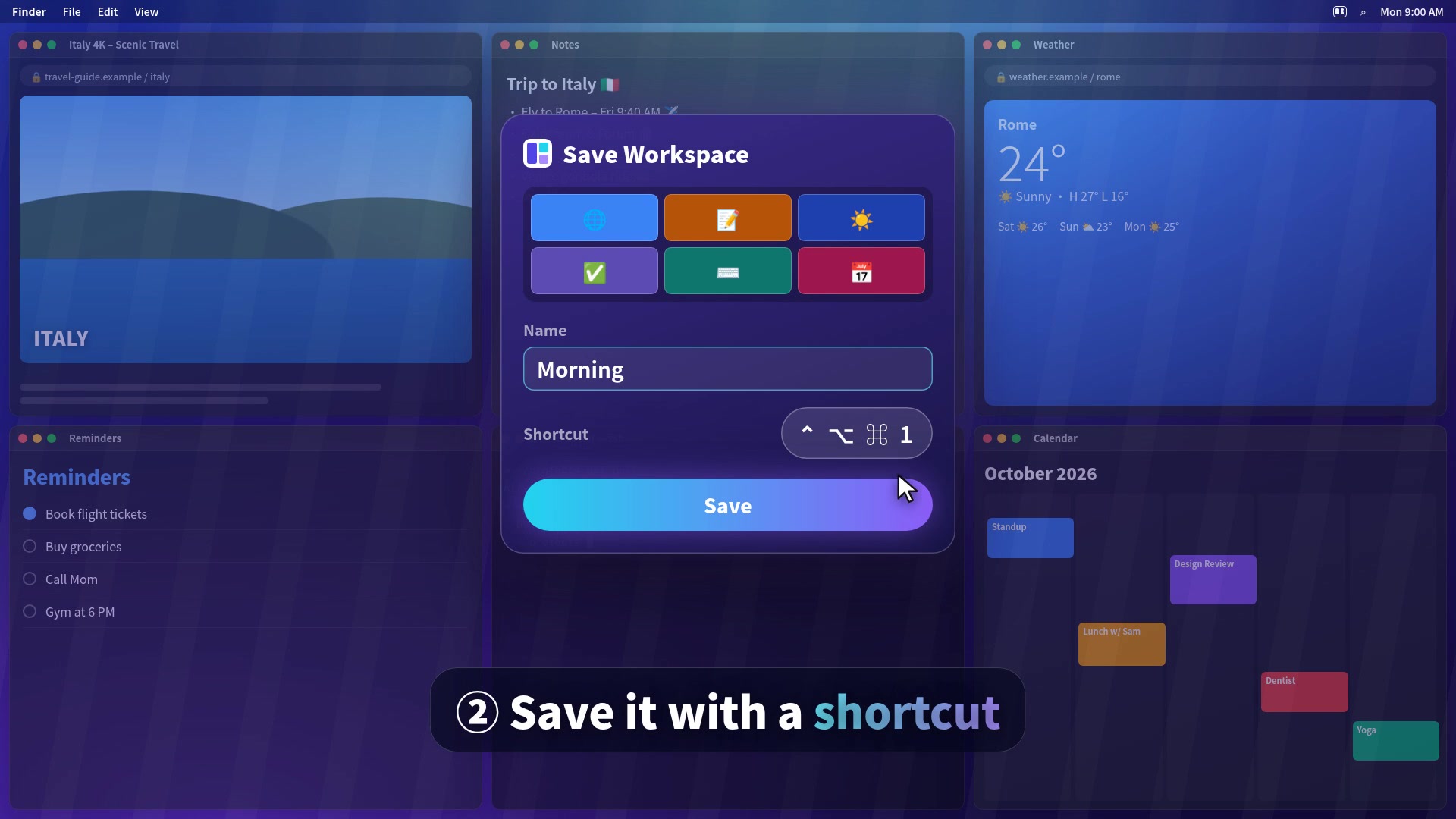
How to save a window layout in 3 steps
- Arrange your windows. Open the apps you use together and place them. Snap them quickly with shortcuts such as ⌃⌥← (left half), or drag a window to the screen edge.
- Save it as a workspace. Open TidyFrame → Workspaces → Save Current Layout. Name it, for example "Morning", "Coding" or "Focus", and record a shortcut.
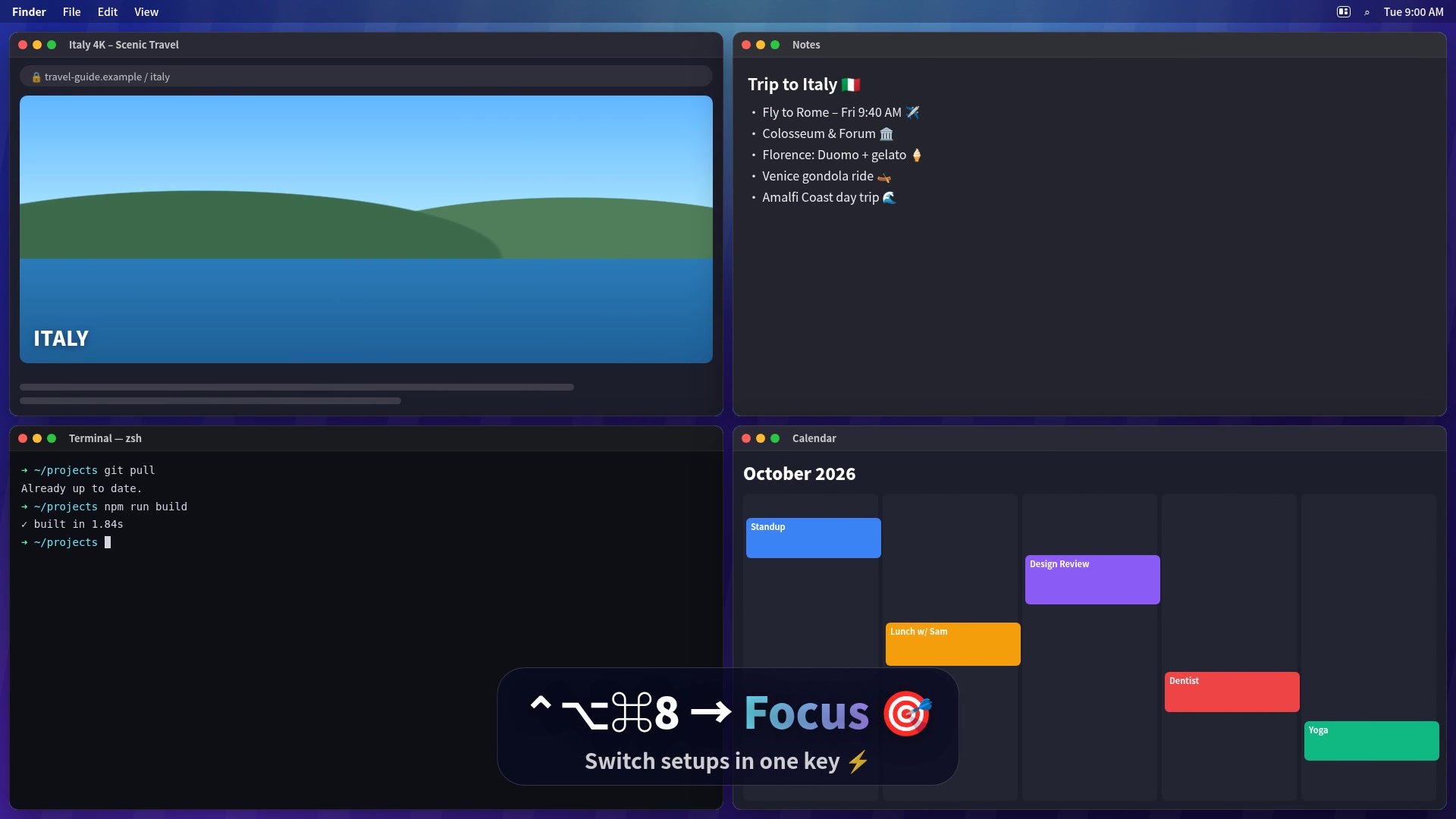
- Restore it any time. Press the shortcut from any app, or pick the workspace in the menu bar. Every window jumps back to its saved size and position. You can also choose to hide every app that isn't part of the workspace.
Ideas for workspaces
| Workspace | Windows | Good for |
|---|---|---|
| Morning | Mail, Calendar, Safari, Notes | Starting the day in one key |
| Coding | Editor, Terminal, browser | Developers switching between projects |
| Writing | Pages or Word, research tab, notes | Students and writers |
| Meetings | Zoom or Teams, notes, Calendar | Calls without hunting for windows |
| Focus | One or two apps, full height | Deep work with nothing else on screen |
Why not just use macOS?
macOS Sequoia added basic tiling: you can drag a window to an edge to fill half the screen, and Stage Manager groups apps. Neither one saves a set of windows in exact positions or restores it with a shortcut. Workspaces fill that gap.
More than workspaces
- Snap any window into halves, thirds, quarters or sixths with shortcuts, edge dragging or the menu bar.
- App rules: tell TidyFrame where an app belongs (Mail always on the right half) and it goes there every time it opens.
- Auto tidy: 2 windows become halves, 3 become thirds, 4 become quarters.
- 34 languages, no account, no tracking.
Questions
Can I save and restore window layouts on a Mac without extra software?
No. macOS can snap two windows side by side and remembers some window positions per app, but it cannot save a layout of several apps and bring it back with a shortcut. You need a window manager such as TidyFrame for that.
How many windows can one TidyFrame workspace hold?
Up to 6 windows per workspace, and you can save as many workspaces as you like, each with its own shortcut.
What happens if an app in the workspace isn't open?
TidyFrame opens it for you and puts its window in its saved place.
Does it work with an external monitor?
Yes. A workspace remembers windows on every connected display and shows a small map of your screens when you save it.
Is there a free trial?
Yes. Every feature, including workspaces, is free for 7 days. After that TidyFrame costs $4.99 once.
Try TidyFrame free for 7 days
Every feature included. Then $4.99 once, no subscription. macOS 14 or later.
Download the free trial