Smart layouts
The right layout for any number of windows
1 windowFull screen
2 windowsHalves
3 windowsThirds
4 windowsQuarters
5–6 windowsSixths
Snap windows into place, save your favorite setups as workspaces, and bring every window back exactly where it belongs with a single shortcut.
7 days free, every feature included · Then $4.99 once · No subscription · macOS 14+
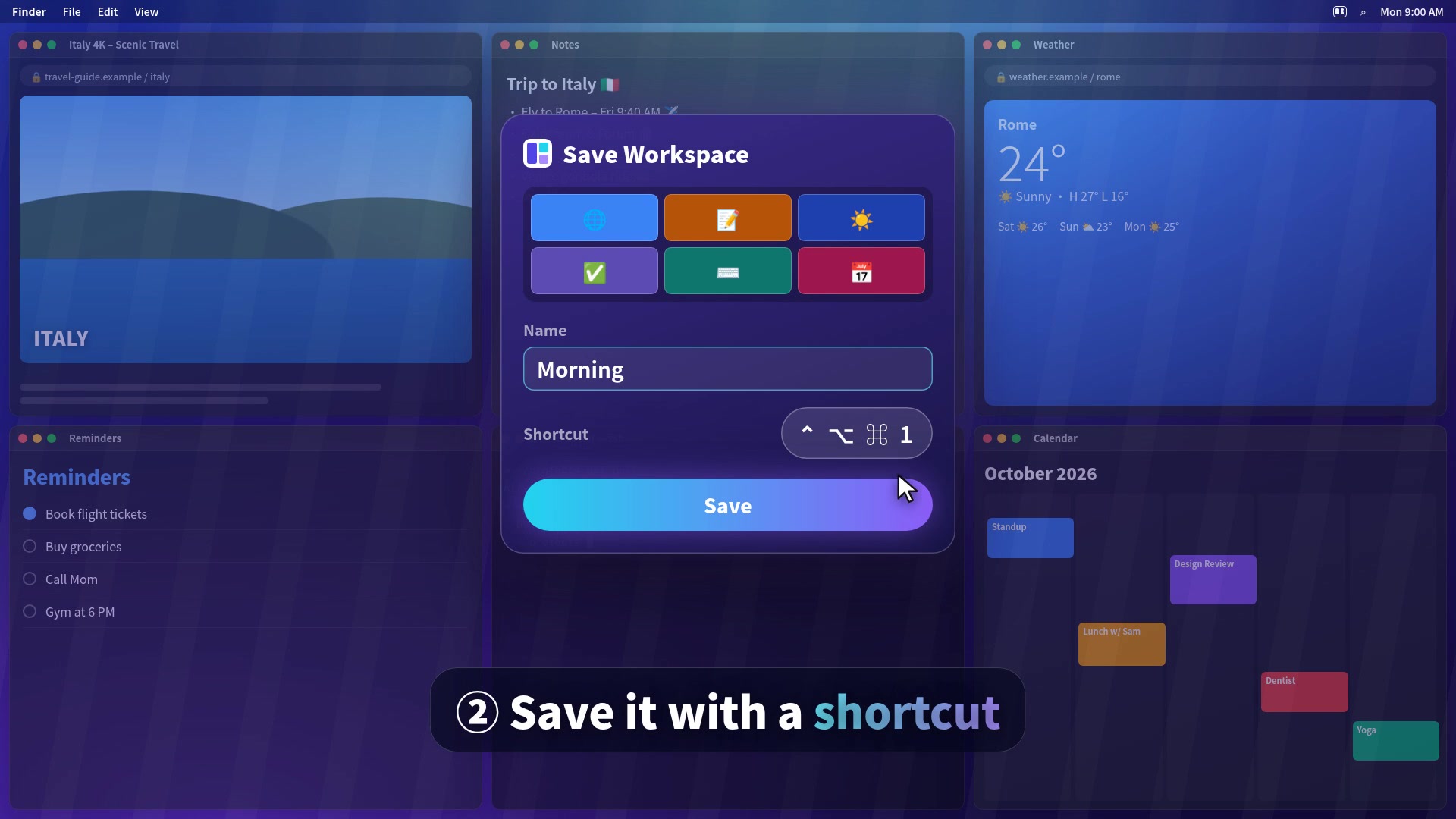
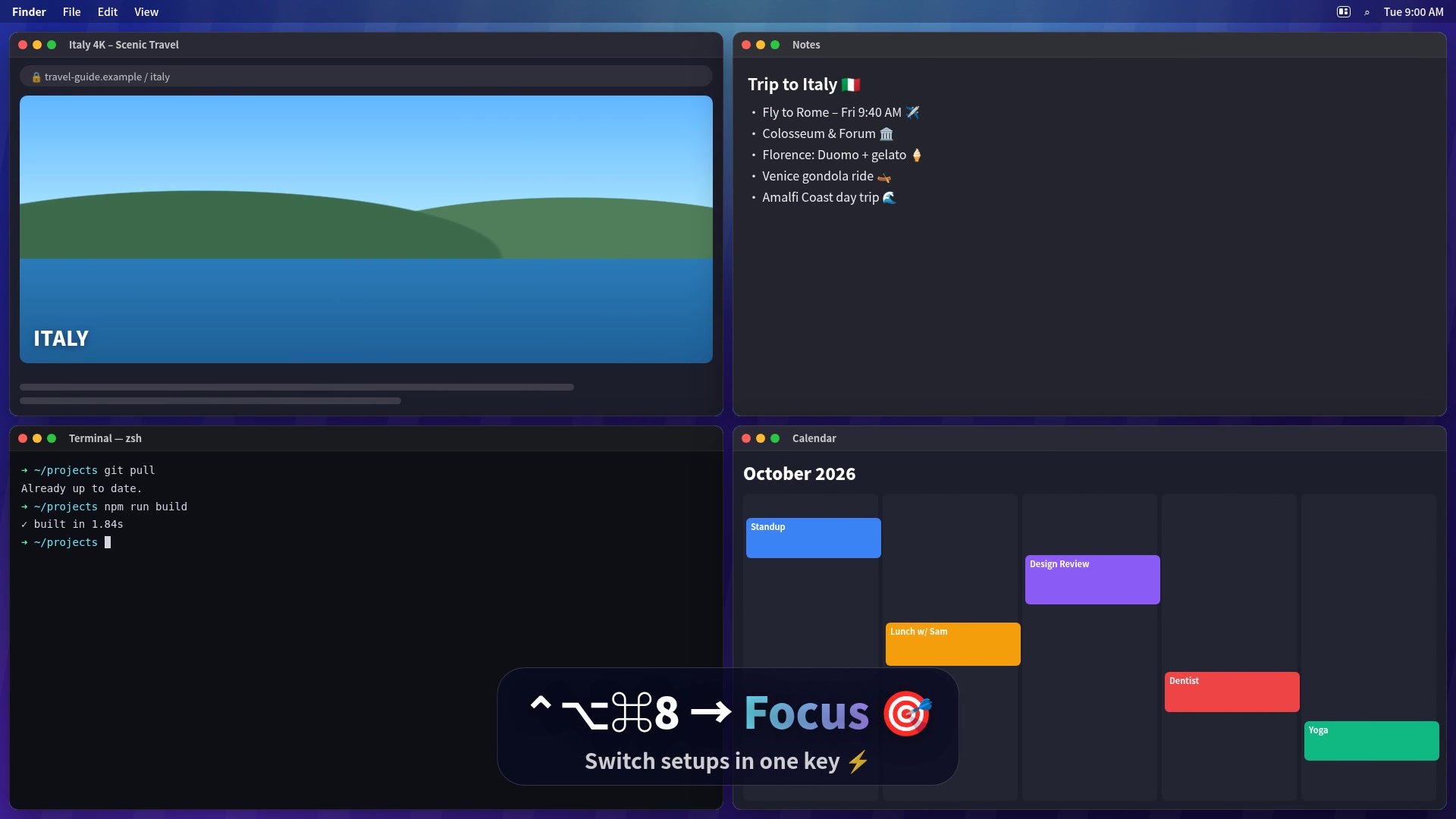
Arrange your windows, save the layout with a shortcut, and switch whole setups in a second.
Snap with a shortcut like ⌃⌥←, drag a window to the screen edge, or just open your apps: TidyFrame lines them up neatly for you.
Give it a name like “Morning” or “Focus” and record a shortcut such as ⌃⌥⌘1.
Every window jumps back into place. Apps that aren't open yet open by themselves.
Save up to 6 windows per setup and restore them all with one shortcut, from the keyboard or the menu bar.
Halves, thirds, quarters, sixths and more: with shortcuts, by dragging to an edge, or from the menu.
Tell TidyFrame where each app belongs, like Mail always on the right, and it's placed there every time it opens.
Windows just lying around? TidyFrame arranges them neatly: 2 windows → halves, 3 → thirds, 4 → quarters.
Change any shortcut, create your own window positions, and choose the Default or Dark look.
No account, no tracking, no data collection. TidyFrame works on your Mac only.
Every workspace shows a live preview, its shortcut, and whether its apps are ready. Restore it with a click, or from any app with its shortcut.
Arrange your windows, save them once, bring them back with one shortcut.
TidyFrame follows your Mac's language automatically, or pick one in Settings.
Your license key arrives instantly by email.
Any Mac running macOS 14 Sonoma or later.
Download TidyFrame and use every feature free for 7 days. No credit card needed. When you're happy, buy a license for $4.99 and enter the key in Settings → License.
macOS only lets apps move and resize other apps' windows with Accessibility permission. TidyFrame uses it for that and nothing else: it never reads what's inside your windows.
No. You pay $4.99 once and TidyFrame is yours.
After buying, your key arrives by email. Open TidyFrame → Settings → License, paste the key and click Activate.
Write to info@tidyframe.app. We usually reply within a day.
Hi, I'm Geethika Tatiparthi, an indie Mac developer from India. I built TidyFrame because I was rebuilding the same window layout every morning. It's a one-person project, so every email reaches me directly.
info@tidyframe.app · X · Product Hunt · Peerlist · YouTube